MathSmith
About MathSmith
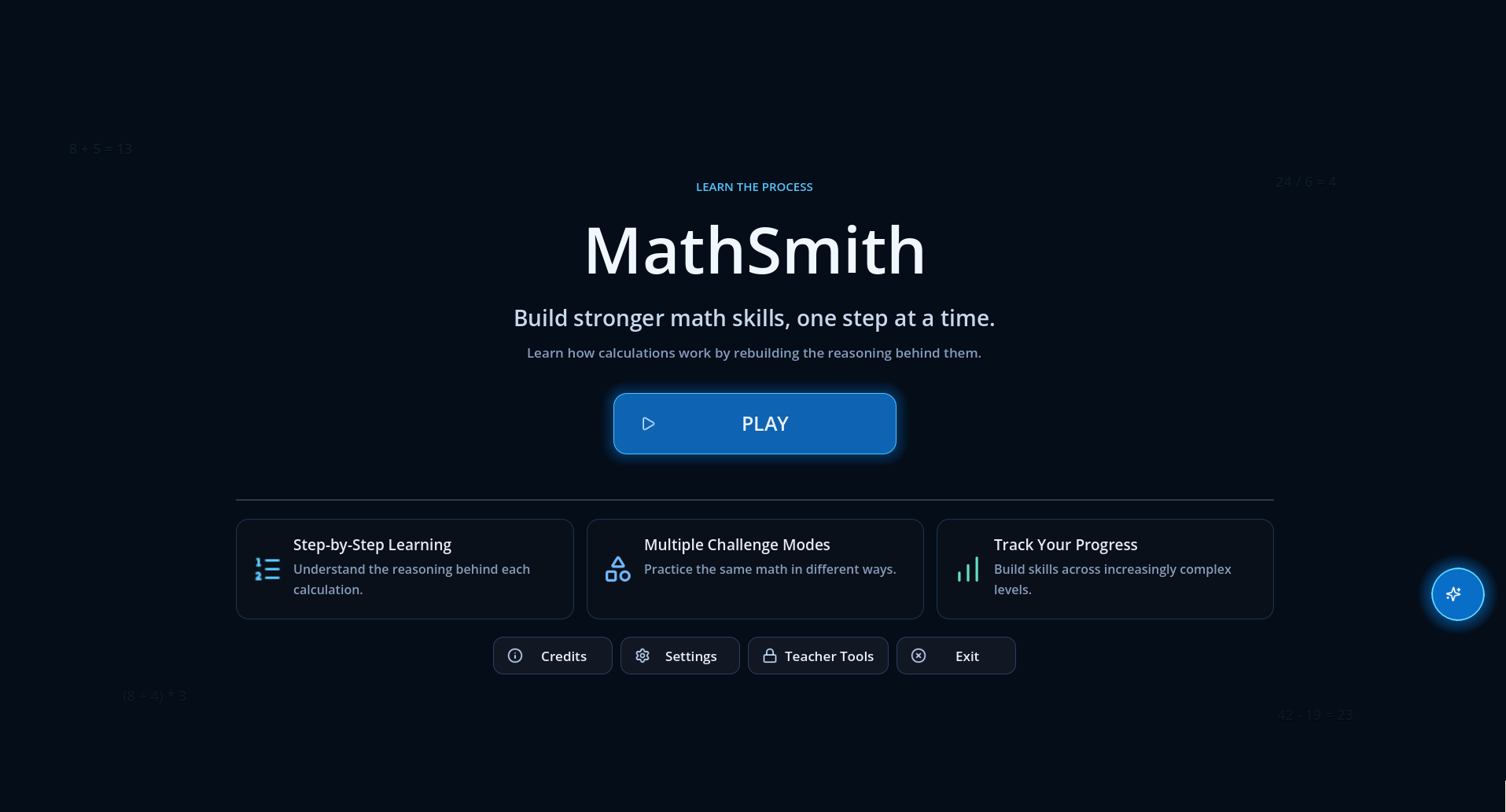
MathSmith is a bilingual educational math game focused on understanding the reasoning behind an answer—not just entering the final result.
Rebuild step-by-step solution processes, receive progressive feedback, review saved mistakes, and strengthen individual math skills through adaptive practice.
Want to learn more about how MathSmith was designed and developed?
These materials cover the project’s educational game design, technical architecture, milestone planning, playtest-driven iteration, adaptive learning systems, Teacher Tools, and Guided Smart Tutor.
Features
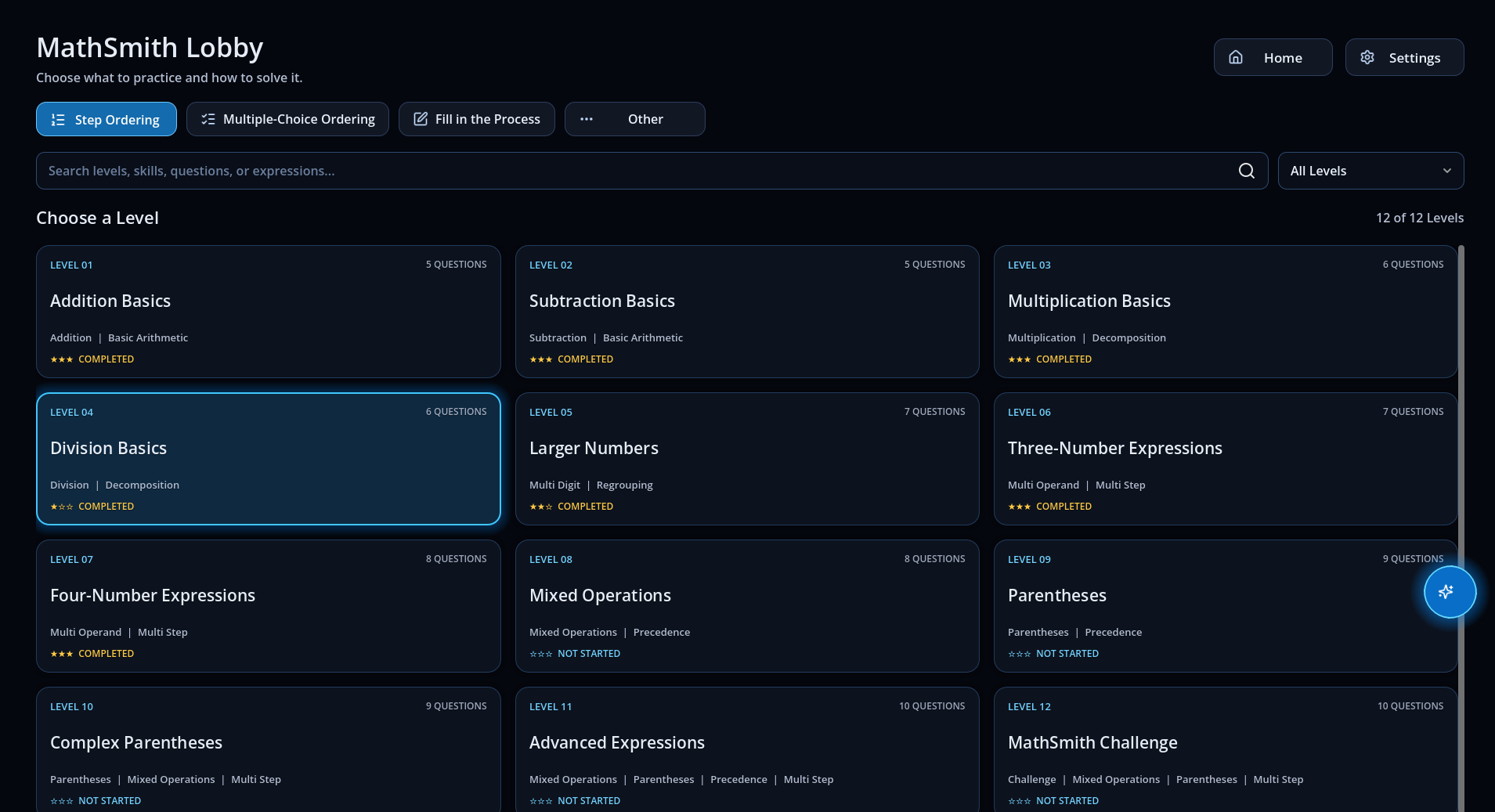
- Three gameplay modes:
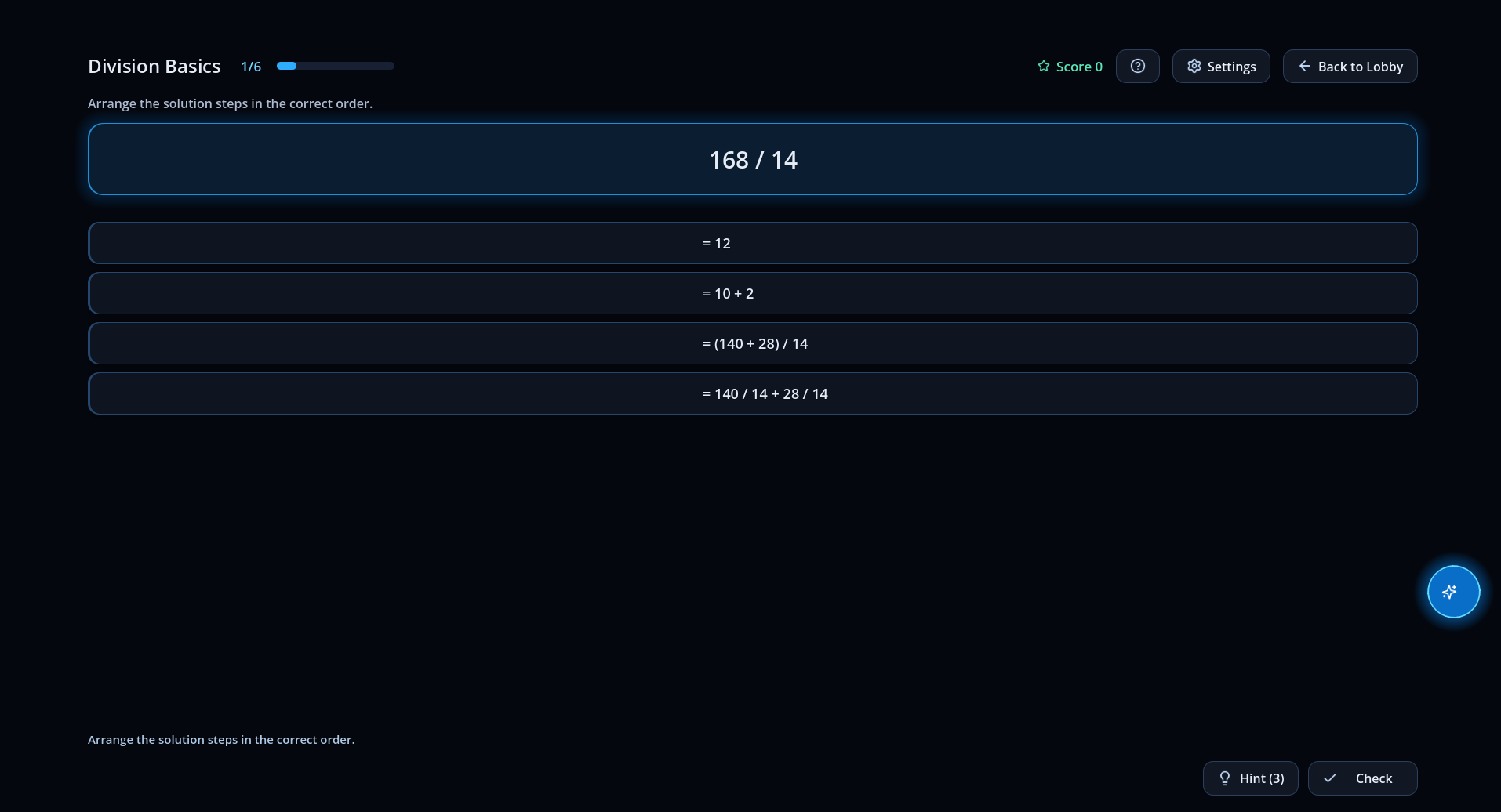
- Step Ordering
- Multiple-Choice Ordering
- Fill in the Process
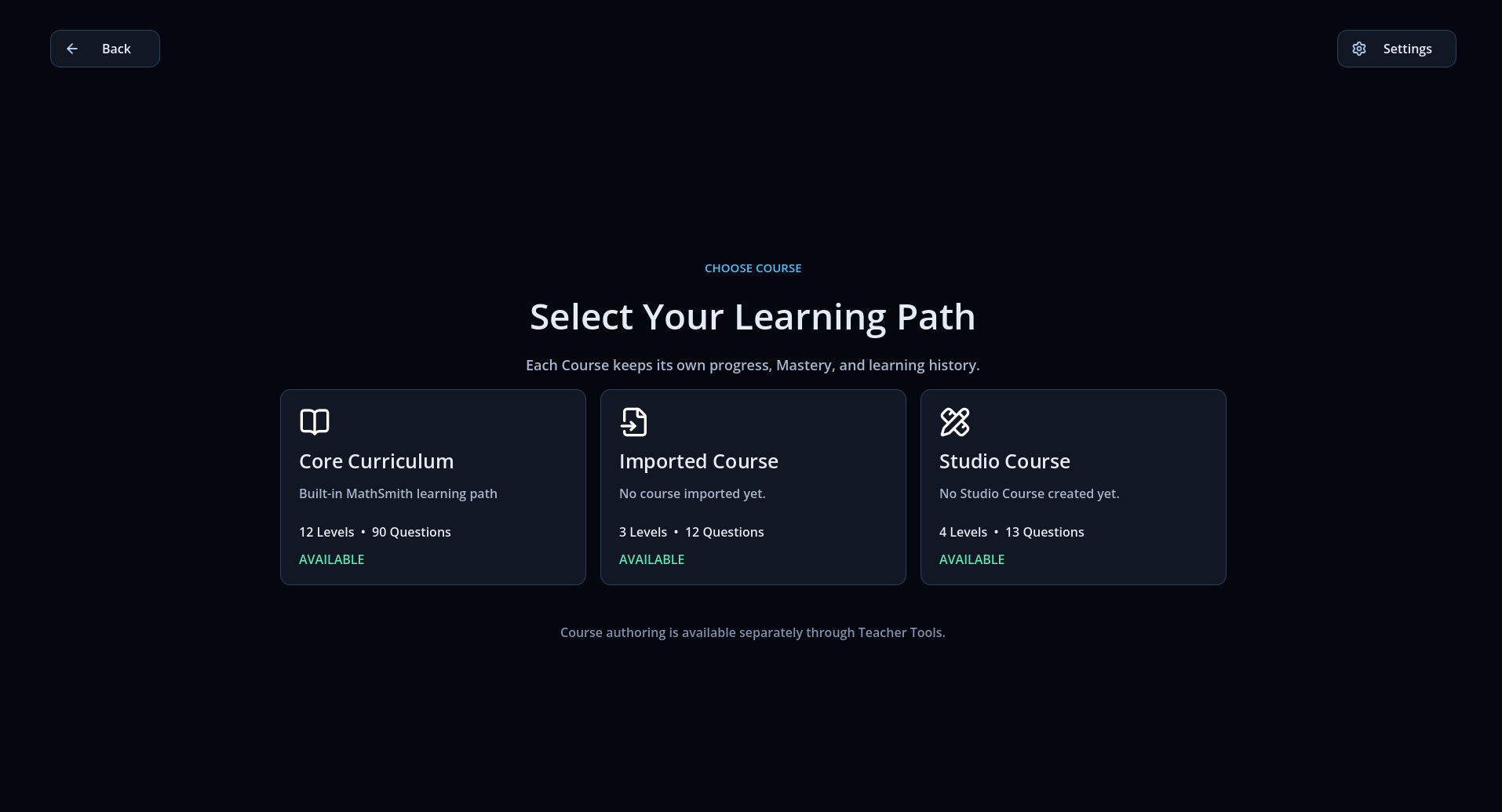
- 12 levels and 90 authored questions
- Progressive error feedback
- Limited Hint system
- Scores and star ratings
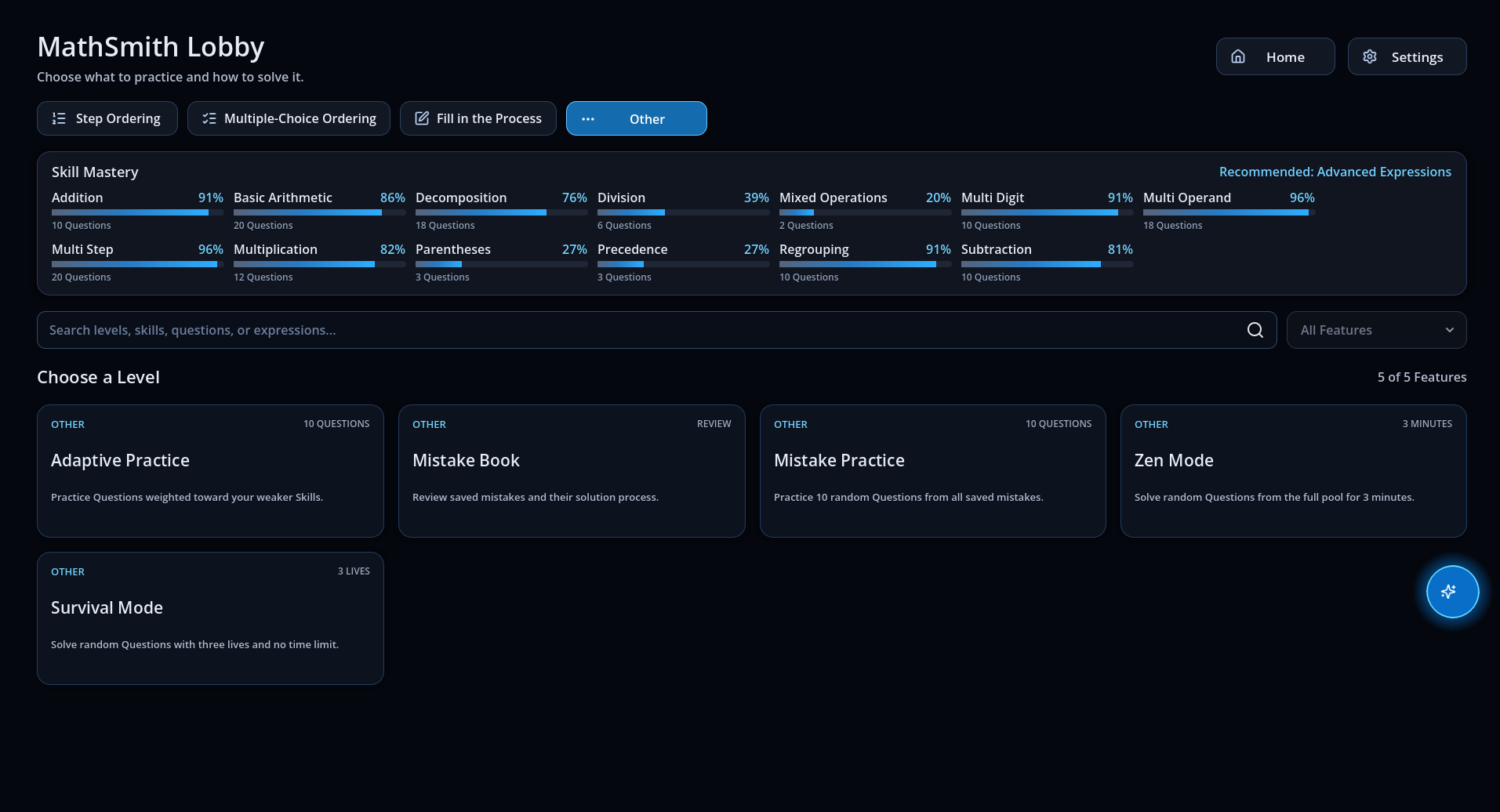
- Skill Mastery tracking
- Mistake Book and Mistake Practice
- Adaptive Practice
- Zen and Survival challenges
- English and Simplified Chinese
- Guided Smart Tutor
- Teacher Course Authoring Tools
How to Play
Step Ordering
Drag the solution steps into the correct order, then select Check.
Multiple-Choice Ordering
Choose the correct next step from each group of options until the solution is complete.
Fill in the Process
Select each missing value and enter the number that completes the solution process.
Hint
Use Hint when you need assistance. Hints are limited and may affect your score.
Progressive Feedback
Repeated incorrect attempts provide progressively more detailed guidance:
- General retry feedback
- Directional guidance
- Contextual mathematical explanation
Tutor
Select the floating Tutor bubble for contextual guidance, explanations, recommendations, and navigation.
Additional Modes
- Mistake Book: Review previous mistakes with answers and explanations.
- Mistake Practice: Practice randomized questions from your Mistake Book.
- Zen Mode: Solve as many questions as possible in three minutes.
- Survival Mode: Keep solving with three lives and no time limit.
- Skill Mastery: Review your progress across individual mathematical skills.
Teacher Tool
MathSmith includes a portfolio demonstration of its content-authoring pipeline.
Teachers can:
- Import CSV Courses
- Validate Course content
- Preview Levels and Questions
- Create and edit Courses visually
- Generate solution previews
- Export validated Course files
Demo password: teacher
This password is only a demonstration gate and is not production authentication.
Controls
- Mouse: Navigate, select options, drag cards, and enter values
- Check: Submit the current answer
- Hint: Request assistance
- Next: Continue after completing a Question
- Tutor Bubble: Open or close the Tutor
Browser Notes
- For the best experience, play in fullscreen at a 16:9 resolution.
- Progress is stored locally in your browser.
- Private browsing or blocked browser storage may prevent progress from being saved.
- Chromium-based browsers are recommended.
Languages
- English
- 简体中文
Language can be changed from Settings.
Designed and developed by Yitong Hu Sound effects: kenney.nl Icons: lucide.dev
Comments
Log in with itch.io to leave a comment.
Good game!